
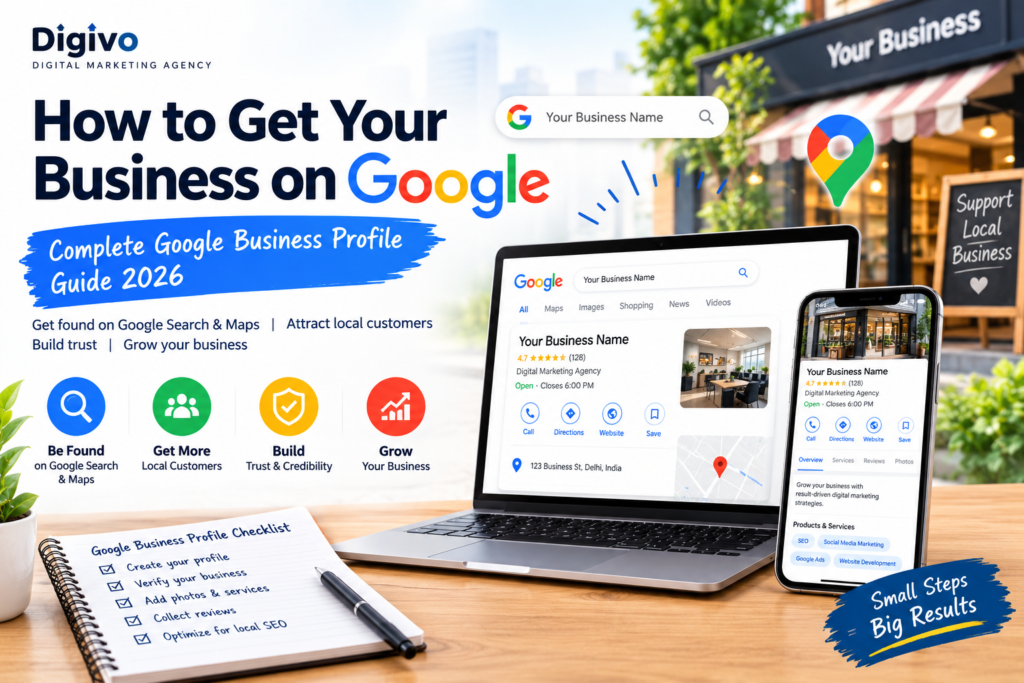
How to Get Your Business on Google: Complete Google Business Profile Guide 2026
If you own a business, getting your business visible on Google is one of the most important steps you can take to attract local customers. Whether you run a restaurant, salon, gym, retail store, agency, professional service, or home-based business, customers often use Google to find businesses near them.
The good news is that you don’t need a large advertising budget to establish your business presence on Google. A Google Business Profile can help your business appear in Google Search and Google Maps, allowing potential customers to discover your business, see important information, read reviews, view photos, and contact you.
In this guide, you’ll learn how to get your business on Google, how to create and verify your listing, how to optimize your Google Business Profile, and how to improve your visibility through local SEO.
What Is a Google Business Profile?
A Google Business Profile is a free business listing that allows businesses to manage how their information appears across Google Search and Google Maps.
Your profile can include important information such as:
- Business name
- Business category
- Address
- Phone number
- Website
- Opening hours
- Business description
- Photos and videos
- Products and services
- Customer reviews
- Business updates and posts
- Location on Google Maps
For example, when someone searches for “digital marketing agency near me,” Google may show relevant local businesses with their names, ratings, locations, contact details, and other information.
This makes a Google Business Profile an important part of a local SEO strategy.
How to Get Your Business on Google
Getting your business on Google involves several basic steps. You need to create your profile, provide accurate business information, complete verification when required, and optimize the listing.
Here is the basic process:
Create → Verify → Complete → Optimize → Maintain
Let’s look at each step.
1. Create a Google Business Profile
The first step is to create a Google Business Profile for your business.
Start by signing in with the Google Account you want to use to manage your business.
Then search for Google Business Profile and begin the business setup process.
You’ll generally need to provide information such as:
- Business name
- Business category
- Business location or service area
- Contact information
- Website
- Business hours
Choose Your Business Name Carefully
Use your actual business name rather than adding unnecessary keywords.
For example:
Good:
Digivo Digital Marketing Agency
Avoid:
Best Digital Marketing Agency in Delhi | Cheap SEO Company | Digivo
Your business information should accurately represent your real-world business.
2. Choose the Right Business Category
Selecting the correct category is an important part of Google Business Profile optimization.
Your primary category should describe what your business mainly does.
For example:
- Restaurant
- Gym
- Digital Marketing Agency
- Clothing Store
- Dentist
- Real Estate Agency
- Beauty Salon
- Photography Studio
You may also be able to add relevant additional categories where appropriate.
Don’t select categories simply because you think they might bring more traffic. Choose categories that accurately describe your business.
3. Add Your Business Location
If customers visit your physical location, provide your actual business address.
Your address can help Google understand where your business operates and can help customers find you on Google Maps.
If you operate as a service-area business and don’t serve customers at your physical address, you may have different location options available during setup.
Make sure your business information is consistent and accurate.
4. Add Your Phone Number and Website
Add a phone number that customers can actually use to contact your business.
You should also add your official website if you have one.
For example:
Website: yourbusiness.com
Phone: +91 XXXXX XXXXX
Your Google Business Profile should make it easy for potential customers to move from discovering your business to contacting you.
5. Verify Your Google Business Profile
Google may require you to verify your business before certain profile features become fully available.
The verification method can vary depending on the business and Google’s verification process.
Follow the verification instructions shown in your Google Business Profile.
Why Is Verification Important?
Verification helps establish that you are authorized to manage the business profile.
After verification, you can manage your business information and use available profile features.
6. Optimize Your Google Business Profile
Creating a listing is only the beginning.
The next step is Google Business Profile optimization.
A complete and useful profile gives potential customers more information about your business.
Make sure you complete as many relevant sections as possible.
Important optimization areas include:
- Business name
- Primary category
- Business description
- Address
- Phone number
- Website
- Opening hours
- Services
- Products
- Photos
- Videos
- Reviews
- Business updates
Keep your information accurate and up to date.
7. Write a Strong Business Description
Your business description should clearly explain:
Who you are + What you offer + Who you serve + What makes you different
For example:
Digivo is a digital marketing agency helping small businesses build a stronger online presence through SEO, social media marketing, content marketing, website development, and digital strategy.
Keep your description useful and natural.
Don’t fill the description with repeated keywords such as:
Best SEO agency, best digital marketing agency, cheap SEO agency, SEO company…
Keyword stuffing can make your content look unnatural and doesn’t provide a good experience for customers.
8. Add Your Products and Services
If applicable, add the products and services your business offers.
For a digital marketing agency, services might include:
- Search Engine Optimization
- Social Media Marketing
- Google Ads
- Content Marketing
- Website Development
- Local SEO
- Email Marketing
- AI Marketing
Providing detailed service information can help customers understand exactly what your business offers.
9. Add High-Quality Photos
Photos are an important part of your Google Business Profile.
Depending on your business, you can add:
- Logo
- Cover photo
- Storefront
- Office
- Team photos
- Products
- Services
- Interior
- Exterior
- Work samples
For example, a restaurant can showcase its food and dining area, while a gym can show its equipment, trainers, and facilities.
Use genuine, high-quality images that accurately represent your business.
10. Get More Google Reviews
Customer reviews are one of the most important elements of a local business presence.
Positive reviews can help potential customers feel more confident about choosing your business.
After providing a good customer experience, you can politely ask satisfied customers to leave an honest review.
Don’t Buy Fake Reviews
Avoid purchasing fake reviews or creating reviews yourself.
Instead, focus on:
Good service → Happy customers → Genuine reviews
Respond professionally to both positive and negative reviews.
A simple response can show customers that your business actually pays attention to feedback.
Google Business Profile SEO: How to Improve Visibility
Google Business Profile SEO is closely connected with local search visibility.
There isn’t a single trick that guarantees a top position on Google Maps. Instead, focus on maintaining an accurate, useful, and trustworthy business presence.
Here are some practical strategies.
1. Keep Business Information Accurate
Make sure your:
- Name
- Address
- Phone number
- Website
- Hours
are accurate and consistent.
2. Choose the Correct Category
Your primary category should accurately describe your main business.
3. Keep Your Profile Complete
Complete all relevant sections rather than leaving important information blank.
4. Add Fresh Photos
Regularly update your profile with genuine photos when appropriate.
5. Encourage Genuine Reviews
Ask real customers for honest feedback.
6. Respond to Reviews
Engage professionally with customer feedback.
7. Keep Your Website Strong
Your website and Google Business Profile should provide consistent and useful information.
8. Build Local Relevance
Create useful local content on your website and maintain accurate business information across relevant online platforms.
How to Get Your Business on Google Maps
If you’re wondering how to get my business on Google Maps, your Google Business Profile is an important part of the process.
When your business is eligible and your profile is set up correctly, your business can be represented on Google Maps.
To improve your presence:
- Create your Google Business Profile.
- Enter accurate business information.
- Select the appropriate category.
- Complete the required verification.
- Add your address or service area correctly.
- Complete your profile.
- Add photos and services.
- Encourage genuine customer reviews.
- Keep your information updated.
Remember that appearing on Google Maps does not automatically mean you’ll rank at the top for every local search.
How to Rank Higher on Google Maps
Many businesses want to know how to rank higher on Google Maps.
Local rankings can depend on several factors, including relevance, distance, and prominence.
Instead of looking for shortcuts, focus on building a strong local business presence.
Focus on:
Relevance
Make sure Google and customers clearly understand what your business does.
Distance
The location of the searcher and the business can influence local results.
Prominence
A business’s overall presence and reputation can contribute to its visibility.
Practical checklist
- Use the correct primary category
- Complete your profile
- Maintain accurate information
- Add relevant services
- Upload genuine photos
- Earn authentic reviews
- Respond to customer reviews
- Build a useful website
- Create relevant local content
- Keep your information updated
Google Business Profile for Small Business
A Google Business Profile for small business can be particularly valuable because local customers often search for businesses before making a purchase decision.
Imagine someone searches:
“gym near me”
or
“digital marketing agency near me”
or
“best salon near me.”
A strong local presence can help your business get discovered when customers are actively looking for the products or services you provide.
For small businesses, this can support:
- Local visibility
- Customer discovery
- Phone calls
- Website visits
- Directions
- Reviews
- Brand credibility
- Local leads
The key is not simply creating a profile but keeping it accurate, complete, and useful.
Google My Business vs Google Business Profile
You may still hear people use the term Google My Business.
Google My Business was the previous name for Google’s business listing product. Google renamed it Google Business Profile.
Because many people still search for “Google My Business,” the phrase remains useful as a supporting keyword.
So you may see searches such as:
- Google My Business
- Google My Business optimization
- Google My Business listing
- Google Business Profile
- Google Business Profile SEO
For your website content, you can naturally mention both terms while using Google Business Profile as the primary terminology.
Common Google Business Profile Mistakes
Avoid these common mistakes when managing your profile.
1. Keyword Stuffing
Don’t add unnecessary keywords to your business name or description.
2. Incorrect Information
Wrong phone numbers, addresses, or opening hours can frustrate customers.
3. Duplicate Profiles
Creating unnecessary duplicate listings can create confusion and management problems.
4. Fake Reviews
Never rely on fake or purchased reviews.
5. Ignoring Reviews
Customers expect businesses to pay attention to feedback.
6. Outdated Information
Update your hours, services, photos, and other information when things change.
7. Creating the Profile and Forgetting It
A profile should be treated as an ongoing part of your digital presence rather than a one-time setup task.
Google Business Profile Optimization Checklist
Before considering your profile complete, check the following:
| Optimization Area | Status |
|---|---|
| Business name | ✅ |
| Correct primary category | ✅ |
| Address/service area | ✅ |
| Phone number | ✅ |
| Website | ✅ |
| Opening hours | ✅ |
| Business description | ✅ |
| Services/products | ✅ |
| Logo | ✅ |
| Photos | ✅ |
| Verification | ✅ |
| Genuine customer reviews | ✅ |
| Review responses | ✅ |
| Regular updates | ✅ |
Frequently Asked Questions
Is Google Business Profile free?
Google Business Profile is a free Google product for eligible businesses. You don’t need to pay simply to create a business profile.
How long does Google Business Profile verification take?
The verification process can vary depending on the verification method Google provides for your business.
How do I add my business to Google?
Create a Google Business Profile, enter accurate business information, complete Google’s verification process when required, and optimize your profile.
How do I get my business on Google Maps?
Creating and properly managing a Google Business Profile is an important step for eligible businesses that want a presence on Google Maps.
Can a small business use Google Business Profile?
Yes. Google Business Profile can be useful for many types of eligible small and local businesses.
Does Google Business Profile help with SEO?
Yes, it can be an important part of a local SEO strategy. However, simply creating a profile doesn’t guarantee a high ranking.
How can I get more Google reviews?
Provide a good customer experience and politely ask genuine customers to leave honest feedback. Avoid fake or purchased reviews.
Final Thoughts
If you’re asking how to get your business on Google, creating a Google Business Profile should be one of your first steps.
But simply creating a listing isn’t enough.
To build a stronger local presence, focus on Google Business Profile optimization, accurate business information, high-quality photos, relevant services, genuine customer reviews, and a useful website.
For small businesses, combining your Google Business Profile with a broader local SEO strategy can create a strong foundation for attracting customers through Google Search and Google Maps.
Start with the basics, keep your information accurate, provide a great customer experience, and continuously improve your online presence.
That’s how you turn a simple Google listing into a valuable digital marketing asset.